Review and Approve Images in Seconds
Assets move through Draft → Pending Review → Approved or Rejected → Published. A dedicated split-view queue with keyboard shortcuts, validation panels, AI autofix, and rejection feedback - built into your DAM, not bolted on.
N
Northway Living
Growth
Overview
Assets
Products
Review23
Create
Activity
Analytics
Trash
Supplier Portal
Settings
S
Sam Chen
owner
Assets
Search⌘K
Folders(4)
Spring 26
Lifestyle
Editorial
Catalog
Images(8)
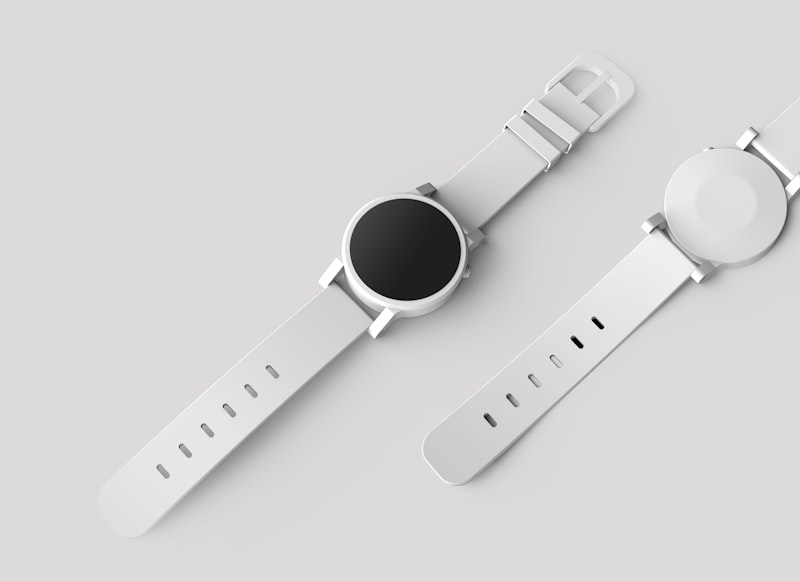
product-flat_001.jpg

cosmetic-flat_002.jpg

tech-product_003.jpg

studio-shot_004.jpg
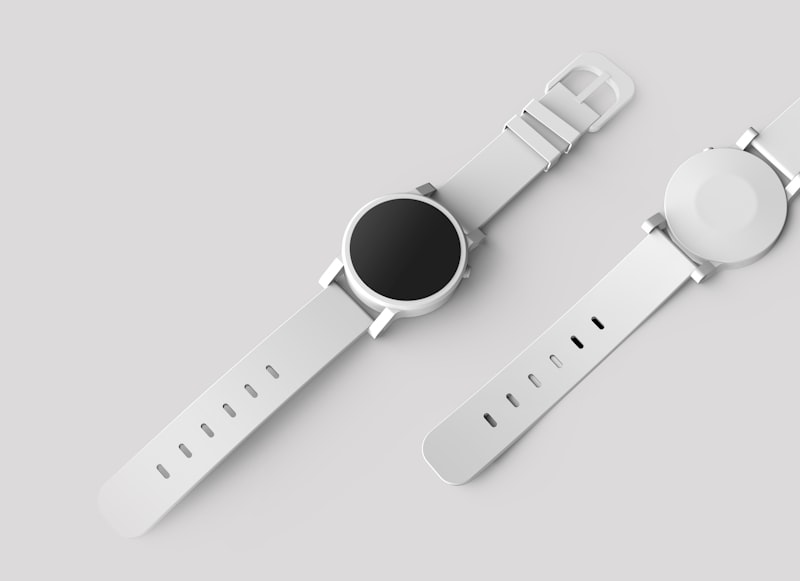
studio-bg_005.jpg

product-flat_006.jpg

lookbook_007.jpg

portrait_008.png
At a glance
Key specs and capabilities.
Review statesDraft → Pending Review → Approved / Rejected → Published
Keyboard shortcutsA=approve, R=reject, ←→=navigate
AI autofixUpscale, remove background, adjust - one click in the queue
Validation panelSpec compliance check: dimensions, file type, quality
Rejection feedbackQuick-select reasons + custom messages
Supplier portalProduct-scoped upload with Dropbox, GDrive, URL, paste
Batch uploadUp to 50 images per submission
Audit trailWho submitted, who reviewed, when, with what feedback